Choose a tool (brush, fill, eraser), select a color from the palette below, and start coloring right on the image.
Zoom with the mouse wheel or slider 🔍. Use ↶/↷ to undo/redo steps, 🪣 to fill an area instantly.
You can download your artwork using ⬇ or reset it using 🔄.
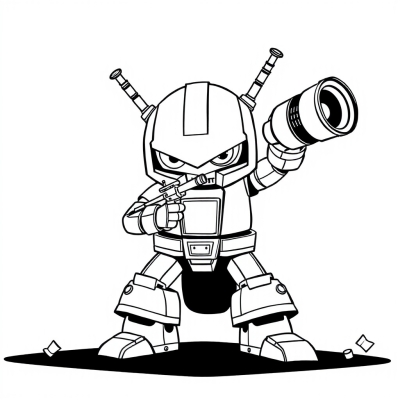
Online Coloring Page: Kawaii Cup Chip – Color Right in Your Browser
Kawaii Cup Chip is an interactive online coloring page from the category, designed for children aged 6–7 years. There’s no need to download or install anything — just pick a color and start coloring directly on the screen!
Online coloring is a fun and modern way to build creativity, fine motor skills, focus, and precision. Children can color using a computer, tablet, or phone. All pages are optimized for easy interaction and suitable even for young children.
How to use the online coloring tool
The interface is simple and user-friendly:
Select a tool: brush, fill, or eraser.
Pick a color from the bottom palette.
Start drawing directly on the image.
Use the mouse wheel or the 🔍 slider to zoom in and out.
Use ↶ and ↷ to undo or redo your actions.
🪣 instantly fills a selected area with the chosen color.
When finished, you can download your artwork using ⬇ or reset it with 🔄.
The coloring works fully in your browser, with no registration required — and it’s completely free.
BookColors.com – free online coloring pages for kids of all ages. Easy, creative, and fun!